

Download and register
This guide is designed to help staff and students download the SafeZone app on their mobile phones and navigate through the registration process.
Step 1 – Install the SafeZone app
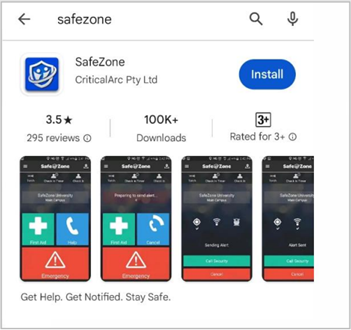
Download the SafeZone app on your mobile device from either the Apple Store or Google Play.
Step 2 – Register for the app
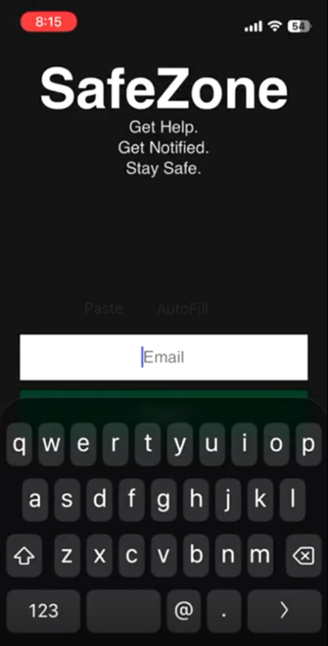
Enter your university email address i.e. firstname.surname@newcastle.edu.au and hit ‘Next’.
Step 3 – Single Sign On (SSO)
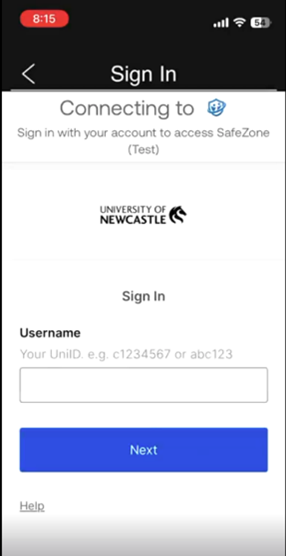
a) Enter your UniID e.g. c1234567 or abc123
and hit Next.
Password:
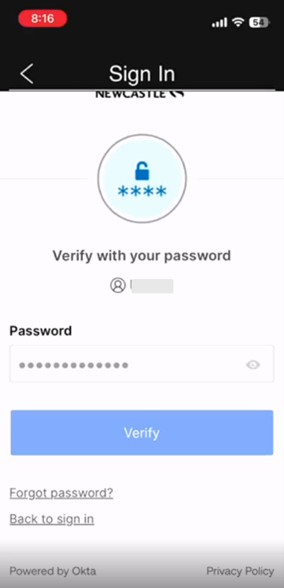
Enter your university password and hit 'Verify'.
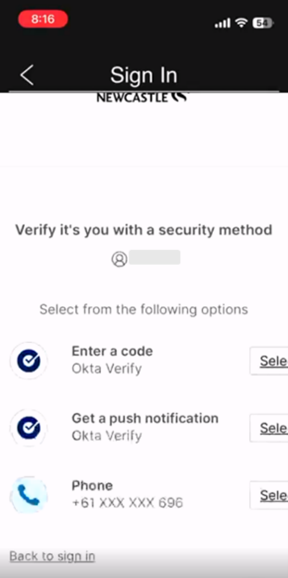
b) Approve your sign in request via Okta Verify.
Step 4 – Sign up
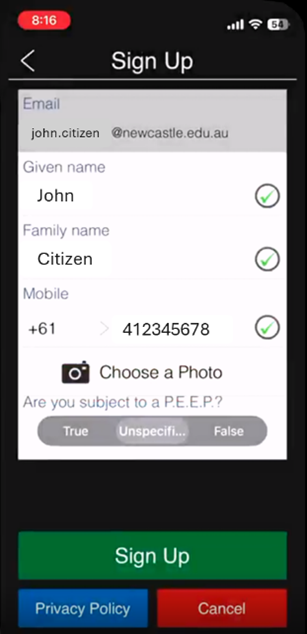
a) Validate your email address, your first name and last name and enter your mobile phone number. Select Sign Up. Upload a picture if you wish to (optional).
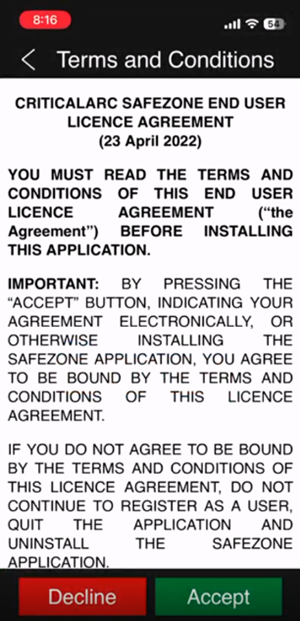
b) To accept the Terms & Conditions please select Accept.
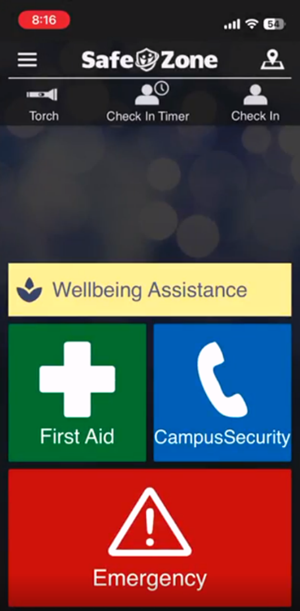
c) You have successfully completed the registration for the SafeZone app. The following screen will now be your landing page.
The University of Newcastle acknowledges the traditional custodians of the lands within our footprint areas: Awabakal, Darkinjung, Biripai, Worimi, Wonnarua, and Eora Nations. We also pay respect to the wisdom of our Elders past and present.