

Artificial Intelligence in Assessment
The emergence of generative artificial intelligence tools (such as ChatGPT and Microsoft Copilot) is presenting a wide range of possible benefits, and challenges, in all aspects of education. This includes assessment.
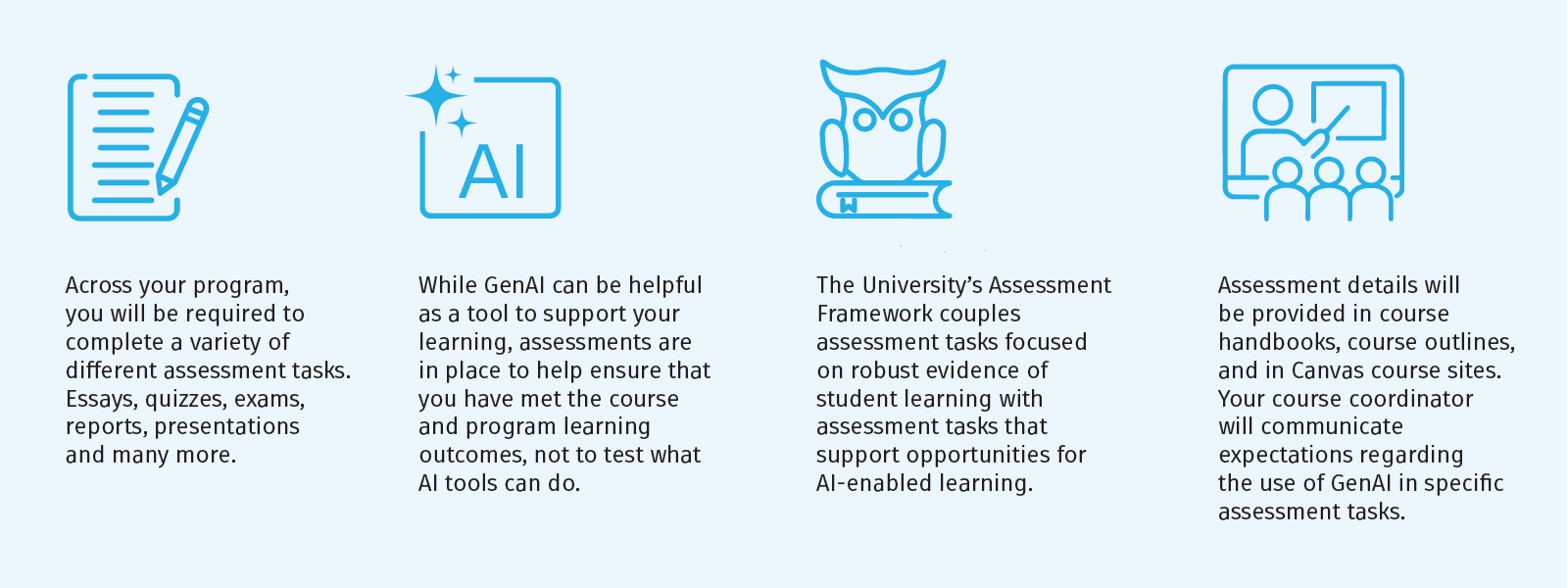
We recognise that AI may be used by students at many different stages in their learning process, including preparing for assessments. Such use may be appropriate in certain circumstances. However, assessments are in place to help ensure that you have met the course and program learning outcomes, not to test what AI tools can do.
- Work submitted for assessment must be your own original work.
- Follow the instructions of your course coordinator, and do not use generative artificial intelligence in any way that contradicts these instructions. If you are unsure, ask.
- From time to time, your course coordinator may want to discuss your construction of an assessment item with you. Please make sure that you retain drafts/versions of your progress prior to submission. See How do I turn on AutoSave? and View previous versions of a file for Microsoft products such as Excel, PowerPoint or Word.
- Acknowledgement is key. If you have used generative artificial intelligence in your assessment, make sure this use is correctly referenced.
- Artificial Intelligence detection software may be used to review any written work you submit.
- Make sure that you are familiar with expectations around academic integrity. Misuse of AI tools may be considered a breach of the University's Student Conduct Rule and could result in disciplinary action.
Acceptable Use
Acceptable use will vary between disciplines, courses, and even different assessments within a course.
The University’s Assessment Framework couples assessment tasks focused on robust evidence of student learning with assessment tasks that support opportunities for AI-enabled learning. All courses will include secure supervised assessment that facilitates observable attainment of learning outcomes, verifying that students have demonstrated the required knowledge and skills.
Assessment details will be provided in course handbooks, course outlines, and in Canvas course sites. Your course coordinator will discuss expectations regarding the use of GenAI in specific assessment tasks.
Please also make sure that you are familiar with the following information:
The University of Newcastle acknowledges the traditional custodians of the lands within our footprint areas: Awabakal, Darkinjung, Biripai, Worimi, Wonnarua, and Eora Nations. We also pay respect to the wisdom of our Elders past and present.